Transmission
Connect to Transmission RPC to manage torrents, files, trackers, peers, queues, speed limits, and session settings from Android.
Transmission setup guideAndroid / Transmission / qBittorrent
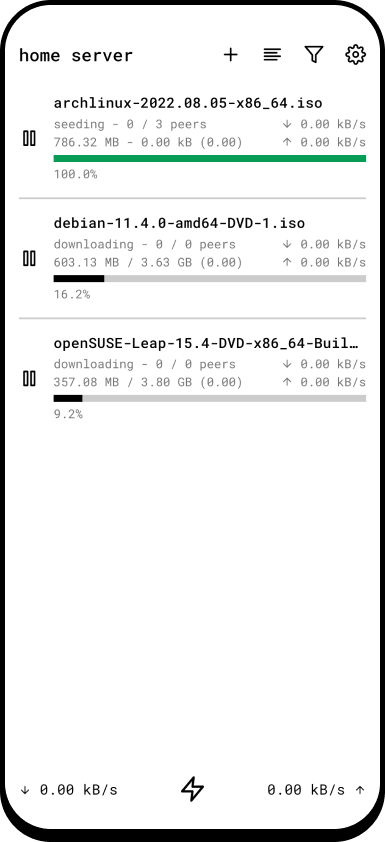
Remote connects your phone directly to the torrent servers running on your seedbox, NAS, Raspberry Pi, or home server. Add downloads, inspect every detail, and keep the queue moving from anywhere.

01 / Your servers
Connect to Transmission RPC to manage torrents, files, trackers, peers, queues, speed limits, and session settings from Android.
Transmission setup guideUse qBittorrent's Web API to control downloads, priorities, share limits, queues, trackers, peers, and server-wide settings.
qBittorrent setup guide02 / Full control
01
Open magnet links and .torrent files from your browser, file manager, or any Android app that can share them.
02
Inspect files, priorities, trackers, peers, pieces, speeds, ratios, paths, and queue positions without reaching for a laptop.
03
Adjust bandwidth, seeding rules, queues, and peer discovery with controls adapted to each supported client.
03 / Direct by design
Remote talks directly to the addresses you configure. There is no Remote account and no app-owned relay between your phone and your Transmission or qBittorrent server.
HTTPS, user-installed certificate authorities, VPN routes, and optional biometric locking are supported.
04 / Pro when you need it
The optional one-time Pro upgrade adds a combined multi-server dashboard, alternative connection addresses, configuration backup, and torrent search through Jackett or Prowlarr.
Explore Pro